How to Measure Decibels With Your Phone or Browser
Published
You do not need to buy a sound level meter or install anything to find out how loud something is. Any phone, tablet or laptop with a microphone and a current browser can measure sound. Open a decibel meter in a tab, allow the microphone once, and you get a live decibel reading with the peak, minimum and average for the session.
That answers most of the questions people buy a meter for: whether a restaurant is too loud to hold a conversation, how much noise a neighbor makes at midnight, whether a workshop needs ear protection, how loud a classroom gets during group work. The rest of this page covers how to take the reading, how to calibrate it, and where a phone stops being good enough.
Measure sound in your browser in three steps
- Open the meter. Browsers only hand the microphone to pages served over HTTPS, so the address has to start with https. Ours does, on every device.
- Press Start measuring and allow the microphone. The browser asks once per site, and on a phone it is a single tap. If you block it by accident, clear the permission in your browser site settings and press Start again.
- Read the level. The large number is the current level, following the sound with the same fast 125 millisecond response a hand-held meter uses. Underneath it, Average is the energy-equivalent level for the whole session, Peak is the loudest instant since you started, and Minimum is the quietest. A rolling sixty-second trace shows how the level moved. Reset zeroes the statistics without closing the microphone.
All of that happens on your device. The page reads the microphone with the Web Audio API, computes the root-mean-square level of the signal on every animation frame and converts it to decibels. No audio leaves the browser, nothing is recorded and nothing is uploaded. The page also asks the browser to switch off echo cancellation, noise suppression and automatic gain control, because all three exist to flatten exactly the level changes you are trying to measure.
Getting an accurate reading
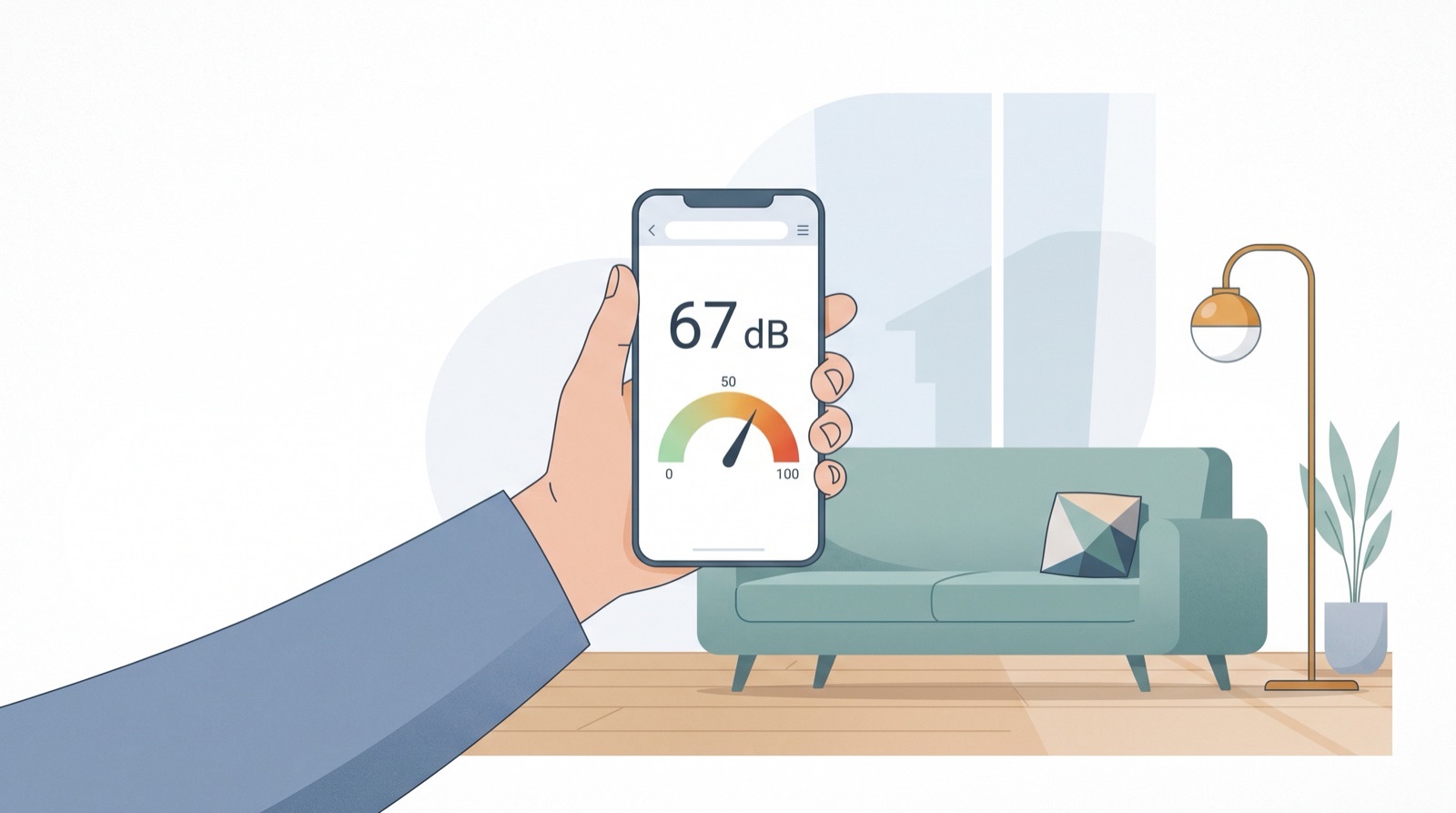
Hold the device at arm length, at roughly ear height, with the microphone pointed toward what you are measuring. Keep your hand clear of the microphone itself, which sits on the bottom edge of most phones and near the hinge or the top of the keyboard on laptops. A palm or a thick case over it costs several decibels. Wind, breathing and clothing rustle all read as sound, so keep the device still and away from your mouth.
Measure for at least thirty seconds. Sound moves constantly, and one instant tells you very little. Use the Average rather than the Peak for anything you plan to act on: the Peak is there to catch a door slam or a dropped pan, not to describe the room. If you want the level of one machine or one appliance, measure the room without it first, then with it.
Then calibrate. A phone microphone has no absolute reference, so the meter starts from a typical offset that puts a quiet room in roughly the right range rather than from a known standard. Open the calibration panel under the meter, put a certified sound level meter next to the device, play a steady sound such as pink noise or a running fan, and move the offset slider until the two agree. The setting is saved in your browser, so you only do it once per device. Without a reference meter, sanity check against a known quantity: normal conversation at one meter is around 60 dB, a quiet bedroom at night 30 to 40 dB.
How accurate is a phone as a decibel meter?
Honestly: good enough for decisions, not good enough for court. The arithmetic is the same arithmetic a hardware meter runs, and the uncertainty is entirely in the microphone.
NIOSH evaluated 192 smartphone sound measurement apps against a Type 1 Larson-Davis reference meter and found three apps within 2 dB unweighted and three within 2 dBA. That is the tolerance national occupational guidelines allow a Type 2 instrument. A follow-up study found the same apps landed within 1 dB once a calibrated external microphone was attached. So the platform is capable. What varies is the microphone in front of it.
Built-in phone microphones are MEMS parts tuned for speech, and they have hard limits at both ends. Their own electrical noise sets a floor around 30 dB, which is why a genuinely silent room still reads in the thirties. They clip somewhere around 100 to 105 dB, so a concert that is really 115 dB may flatten out near 100 on the screen. Our reading is also unweighted rather than A-weighted, so a dBA meter will show a lower number for low-frequency noise like traffic rumble or a bass line.
- Human hearing0–140 dB
- Phone microphone~30–105 dB
For a legal dispute, an OSHA compliance record, a noise ordinance case or anything medical, use a certified instrument. Sound level meters are graded by IEC 61672, which allows a class 1 meter 1.1 dB of error at 1 kHz and a class 2 meter 1.4 dB. Class 2 is the usual requirement for workplace surveys; class 1 is for regulatory and expert work. A browser reading is a screening measurement.
Measuring on iPhone and Android
The browser route is identical on both. There is no iOS version and no Android version, just one page: open the online decibel meter in Safari, Chrome, Firefox or Edge, allow the microphone, and read the level. No app store account, no download, and no permissions beyond the microphone prompt. If you use it often, add the page to your home screen and it opens like an app.
On iPhone there is a useful complement. If you own an Apple Watch, the Noise app samples ambient sound continuously and can tap your wrist when levels cross a threshold you set, with the history stored under Hearing in the Health app on the phone. That is passive background monitoring, and it needs the Watch. It will not give you an on-demand reading of one specific machine or room. A browser meter will, on any phone.
What should you do with your readings?
A number on its own is not information. Once you have a level, compare it against the exposure limits that matter: damage risk starts around 85 dB over a full working day, and the safe time roughly halves for every 3 dB above that. Our guide to safe decibel levels has the NIOSH and OSHA tables in full. To place your reading against familiar sounds, the decibel chart runs from a whisper to a gunshot.
The scale is also not linear. Ten decibels more is roughly twice as loud to the ear but ten times the sound energy, which is why a 90 dB reading is a much bigger problem than an 80 dB one. what a decibel actually is explains the logarithmic scale and the difference between dBA and dBC.
Frequently asked questions
Can my phone really measure decibels?
Yes. A browser can read the phone microphone and convert the signal to a decibel level many times per second. Once the calibration offset is set, expect a reading within a few decibels of a real sound level meter, which is accurate enough to tell a 60 dB room from an 85 dB one.
How do I measure decibels on iPhone without an app?
Open sounddecibelmeter.app in Safari or Chrome on the iPhone, press Start measuring and tap Allow when iOS asks for the microphone. The live level appears immediately, with peak, minimum and average below it. Nothing is installed and nothing is recorded.
How accurate is a browser decibel meter?
The math is the same as in a hand-held meter, so the uncertainty comes from the microphone rather than the browser. Consumer microphones have no absolute reference, so an uncalibrated reading can be several decibels off. NIOSH found the best smartphone apps came within 2 dB of a Type 1 reference meter, the accuracy a class 2 instrument is held to.
Why does my quiet room show 35 dB instead of 0?
0 dB is the threshold of human hearing, not silence, and almost no room is that quiet. Ventilation, a fridge, traffic through the wall and the electrical noise of the microphone itself put a quiet room at 25 to 40 dB. That is the floor of the measurement, not a fault in it.